
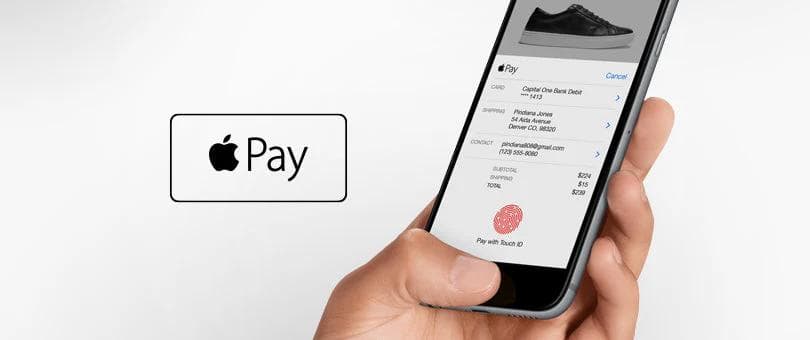
At Mercive, we help you eliminate friction at checkout – and Apple Pay is one of the best ways to do it. It's fast, secure, and easy for your customers, and it's just as simple to activate in your Shopify store.
What is Apple Pay – and why should you offer it in your Shopify store?
Apple Pay allows your customers to pay with one click – without having to enter card details. This makes a significant difference on mobile, where many lose patience during checkout.
Benefits of Apple Pay in Shopify
- Faster payment with one click
- Supports Face ID, Touch ID, and two-factor security.
- Improves conversion, especially on mobile and Safari.
- Supports both accelerated checkout and (new feature in 2025) as a regular payment method.
Shopify Payments and Apple Pay: A strong partnership
When you use Shopify Payments, you automatically gain access to Apple Pay as part of your payment methods. And with Shopify Summer Editions 2025, it is now possible to offer Apple Pay in two ways:
1. Accelerated Checkout
Apple Pay is displayed at the top of the checkout and allows for lightning-fast payments without having to fill in information. This is especially useful for returning customers or those with Apple devices.
2. Apple Pay as the standard payment method (NEW in 2025)
An important news in Shopify Summer Editions 2025 is that Apple Pay can now also be offered as aordinarypayment option, alongside Visa, Mastercard, MobilePay, and others. This means that your customers see Apple Pay as a permanent part of your payment options – not just as a quick button at the top of the checkout.
How do you activate Apple Pay on Shopify?
Requirements to use Apple Pay
- You need to use Shopify Payments.
- Your domain needs to have SSL (free through Shopify)
- The customer must use Safari on an Apple device with Wallet configured.
How to activate Apple Pay
- Go toSettings > Payments > Manage
- Find the section "Accelerated checkouts"
- Check Apple Pay and click "Save"
If you want to activate Apple Pay as your default payment method, you need to ensure that your payment flow is updated with Shopify's new checkout setup (from 2025).
How does it look for your customers?
When Apple Pay is active, it appears as:
- A black "Apple Pay" button at the top of the checkout (accelerated)
- A common payment option in the payment overview (standard – new feature from 2025)
The customer just needs to approve via Face ID, Touch ID, or password, and the order is completed.
Which devices and browsers support Apple Pay?
Units
- iPhone
- iPad
- Mac with Touch ID
- Apple Watch
Browser
- Only Safari (on mobile and desktop)
Can Apple Pay be combined with other payment methods?
Yes – Apple Pay works perfectly with:
- Visa / Mastercard
- MobilePay
- Klarna
- Swish / Vipps (via Shopify Payments)
Your customers can freely choose between the options at checkout.
Apple Pay and mobile checkout: A game changer
Mobile payments with Apple Pay are extremely user-friendly – and it shows in the sales. With a single tap, your customers can complete their purchase, which reduces abandoned carts and significantly increases conversion.
Want to take your store further? Read how we work as a Shopify Plus agency.
